index
Design System For Public Transportion
Smashing Newsletter 看到關於大眾運輸的Design System,有趣。
- Gestalte die Zukunft der BVG (design system for public transportation in Berlin)
- Design System (Notion hub)
- Documentation - BDS - Documentation (Figma)
- All about SBB digital applications. (Swiss railway company)
- Riktlinjer – SJs designsystem för digitala produkter & tjänster (Swedish railway design system)
- Katarina Blind — HSL (Helsinki’s public transportation service)
- Home – Transport for West Midlands Design System (Transport for West Midlands)
- Ruter Design System (Journey Planner)
Research of Digitizing Herbarium
Case1: Oklahoma State Universaty Herbarium
- Herbarium | Oklahoma State University
- Herbarium Details | Oklahoma State University Index Herbarium
- TORCH – The Texas Oklahoma Regional Consortium of Herbaria
Search portal (Symbiota)
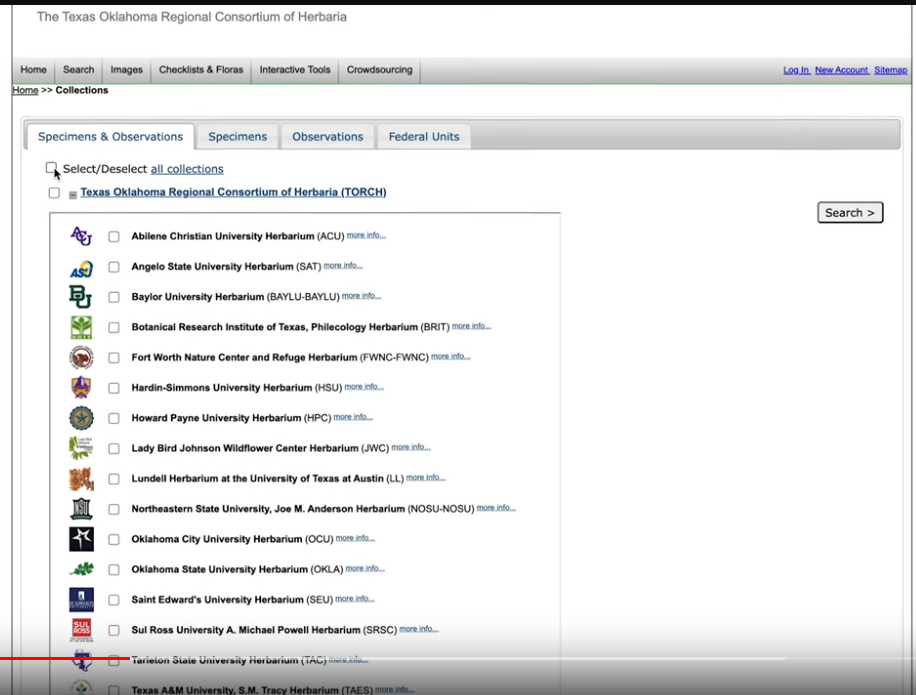
Select dataset:
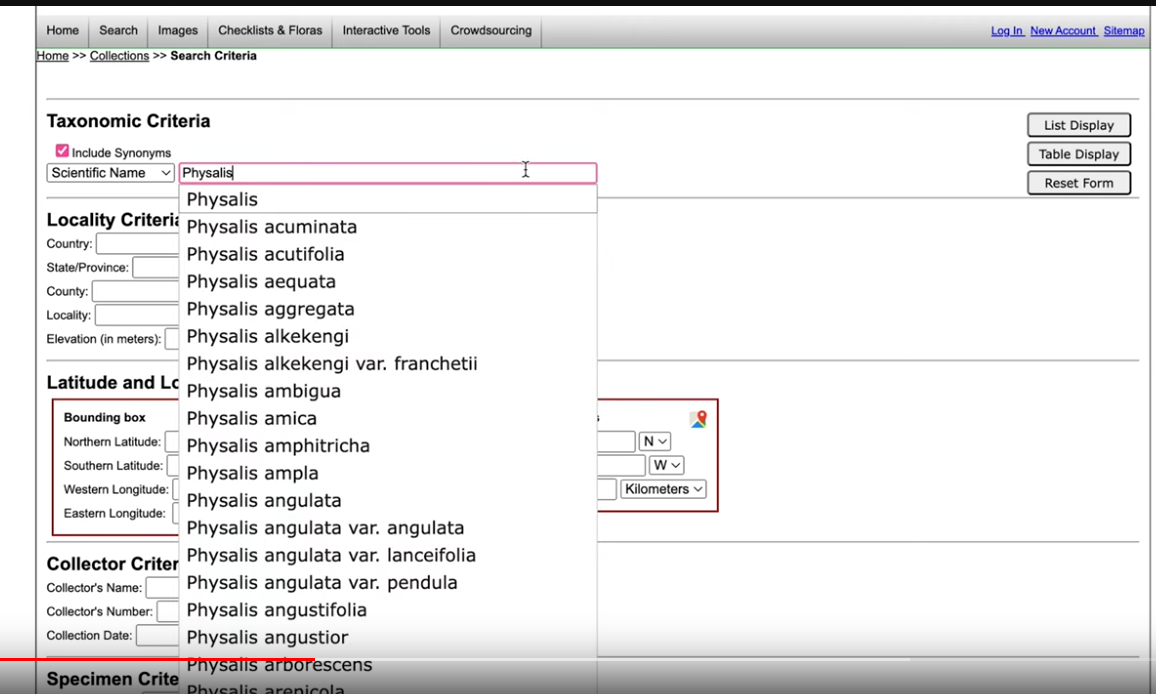
Filter by taxon:
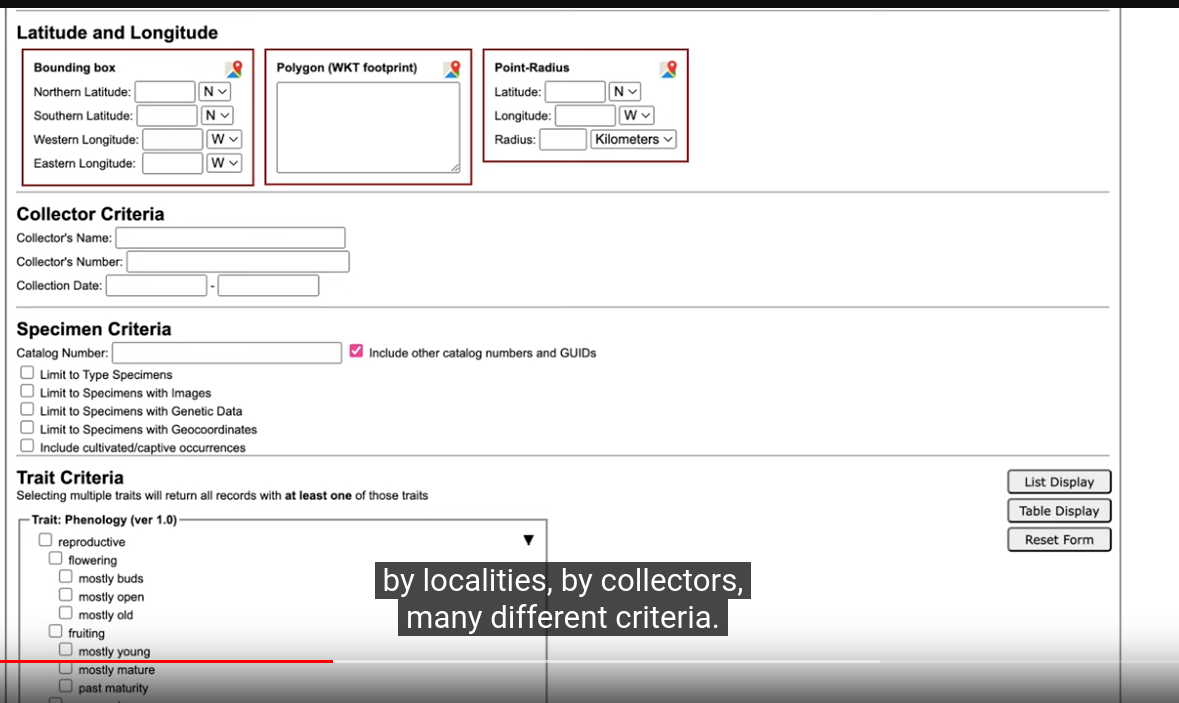
Other Filters:
Filter results:
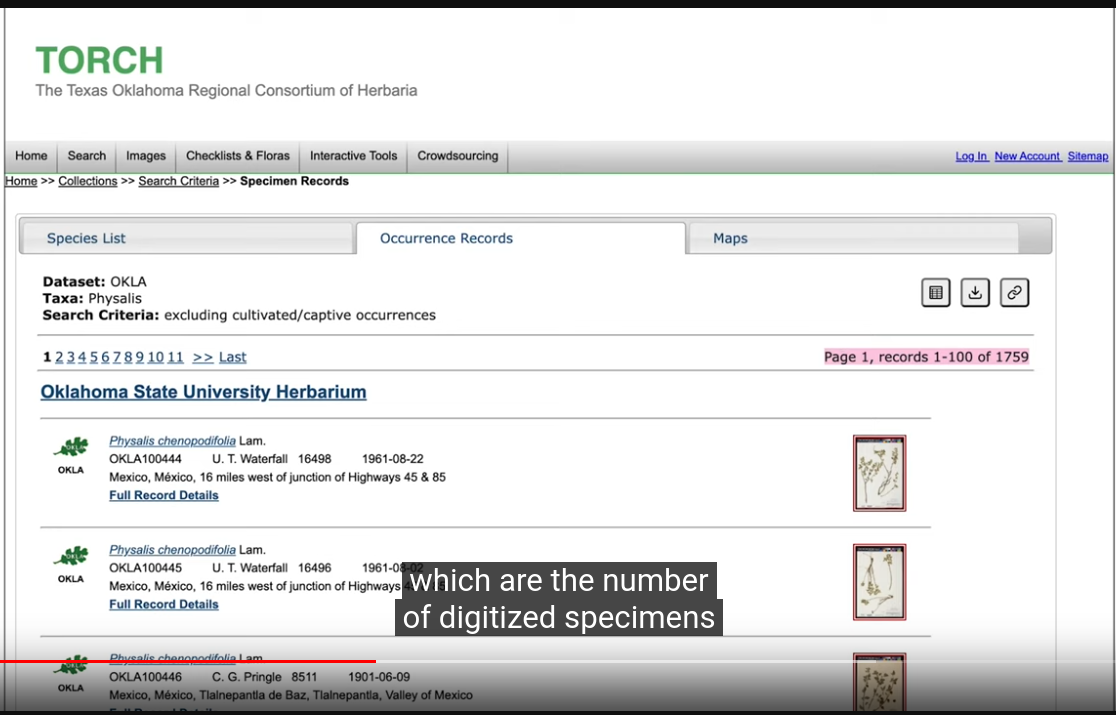
Species page:
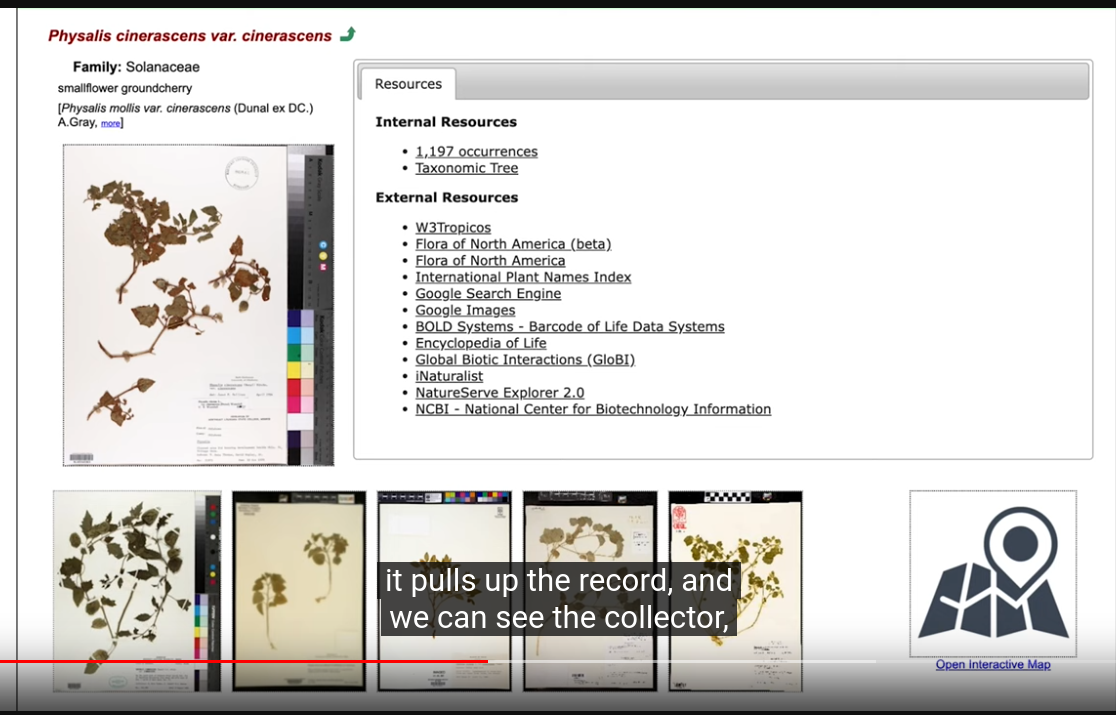
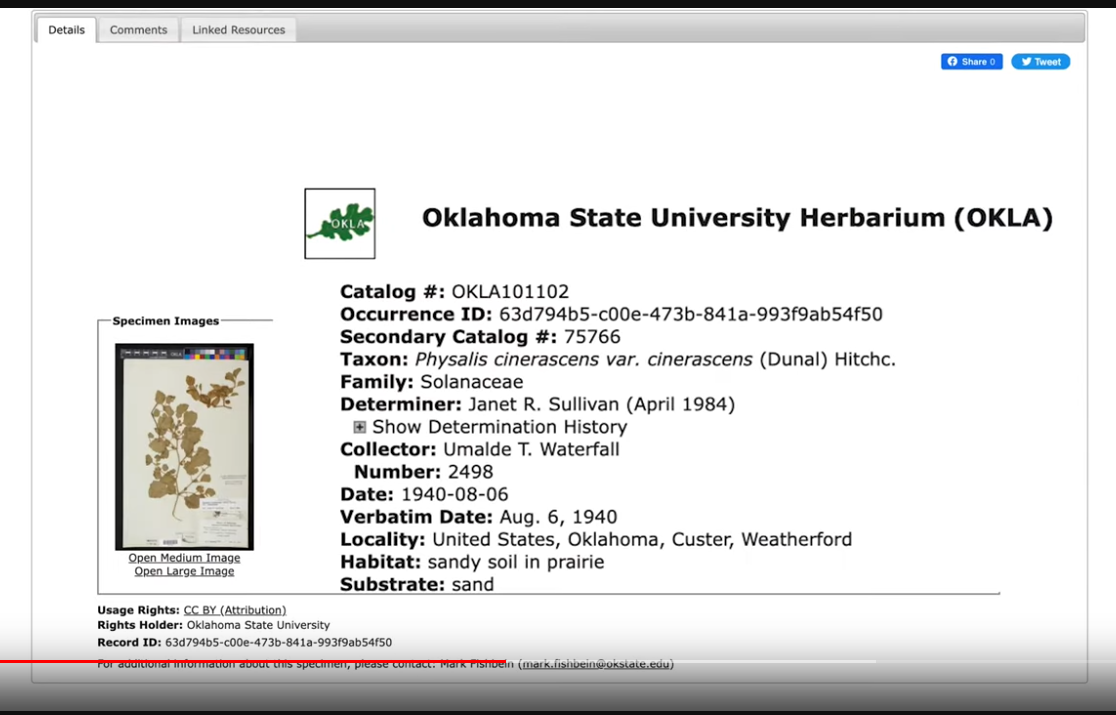
Specimen page:
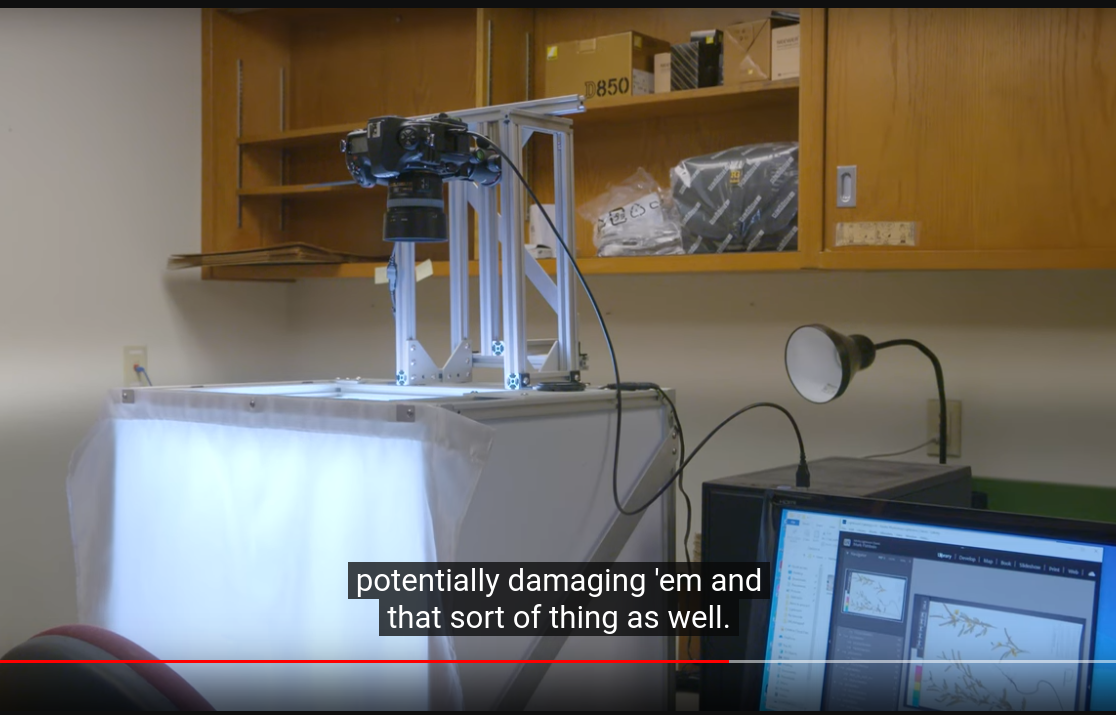
Digitizing Process
Imaging:
Transcription from label and image information by volunteering and student worker
upload images to Notes from Nature — Zooniverse for volunteers to help transcribe.
ref: Digitizing Herbariums for Future Historians - YouTube
Case2: University of Alaska Herbarium (ALA)
ArctosDB
HUNG-YI LEE (李宏毅)
start: 2023年4月 2024-05-30
https://www.youtube.com/watch?v=fegAeph9UaA&list=PLJV_el3uVTsPy9oCRY30oBPNLCo89yu49
ML Lecture 0: Intro
- AI (目標) → Machine Learning (手段) → Deep Learning (ML的其中一種方式)
- AI ⇒ 人類賦予的本能
- Machine Learning ≈ Looking for a Function from Data
- Framework
- Step1: define a set of function ⇒ Model
- Step2: goodness of function
- Step3: pick the best function
- Learning Map
- Supervised Learning
- Regression [task]: the output of the target function f is "scalar" (數值)
- Classification [task]
- Linear Model [method]
- Non-linear Model
- Deep Learning [method]
- SVM, decision tree, K-NN... [method]
- Structured Learning
- Beyond Classification
- Semi-supervised Learning
- Labelled + Unlabeled data
- Transfer Learning
- Labelled data + Data not related to the task considered (can be either labeled or unlabeled)
- ex: 不相干的圖片,有什麼方式可以幫助學習
- Unsupervisied Learning
- 無師自通
- Reinforcement Learning
- Supervised .vs.Reinforcement Learning: Learning from teacher v.s. Learning from critics (比較像人類的學習方式)
ML Lecture 1: Regression
Andrew Ng
Deep Learning Specialization [5 courses] (DeepLearning.AI) | Coursera
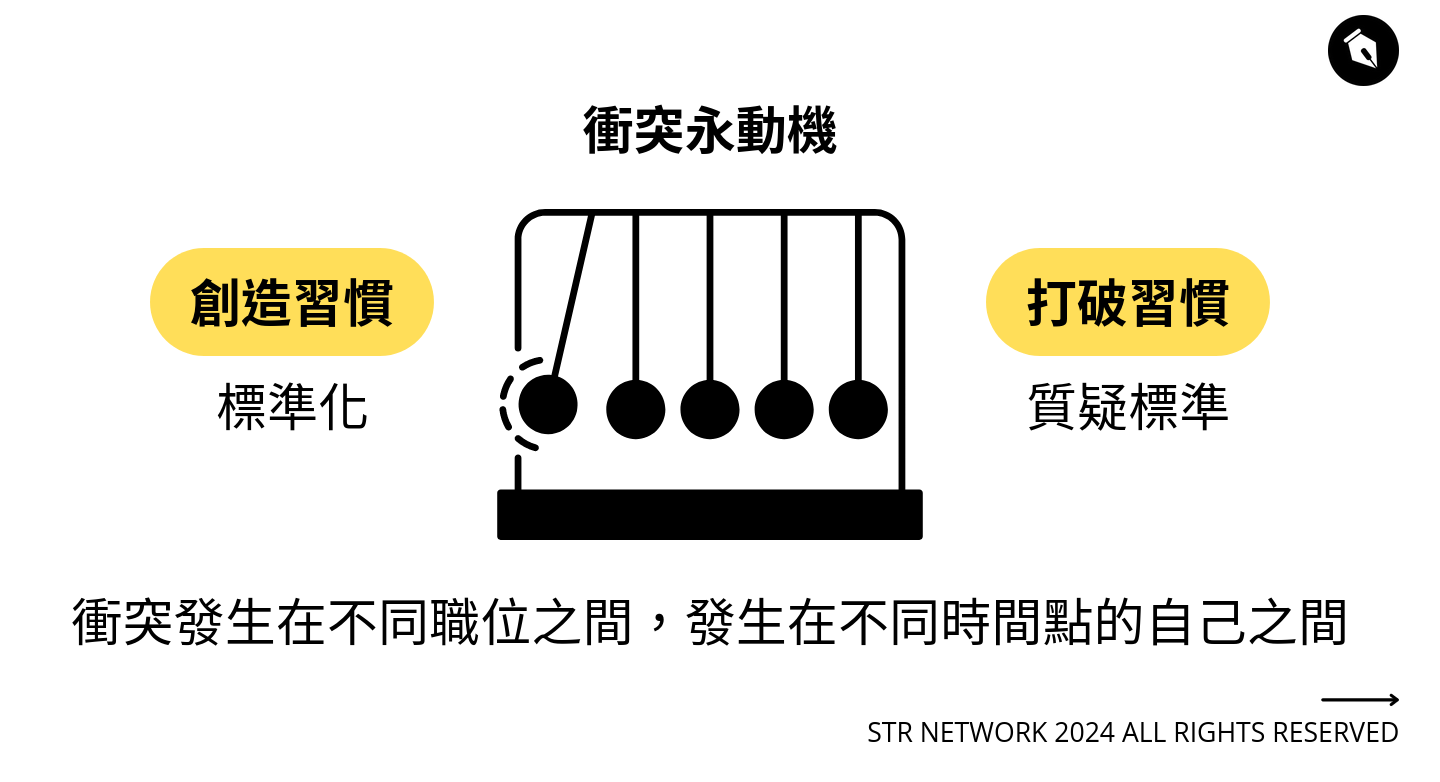
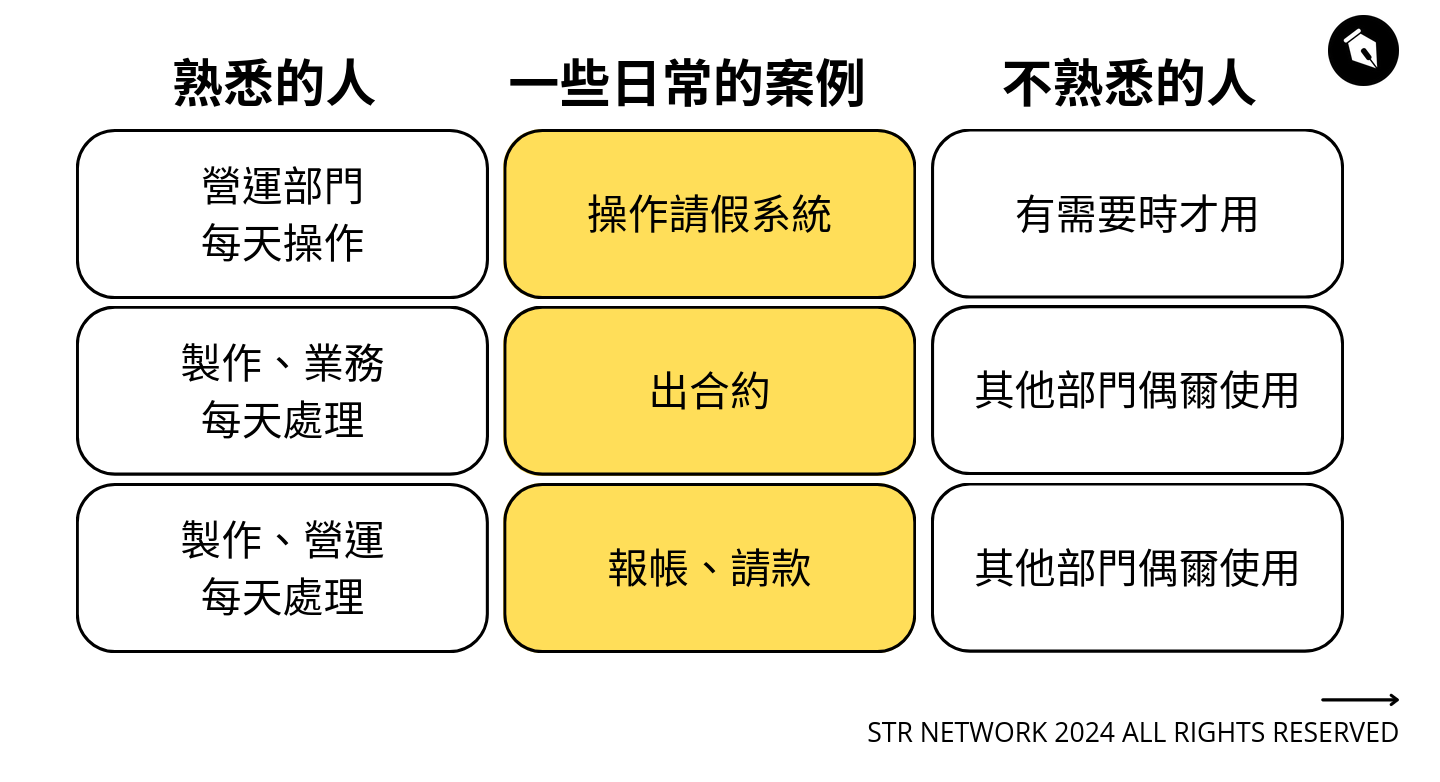
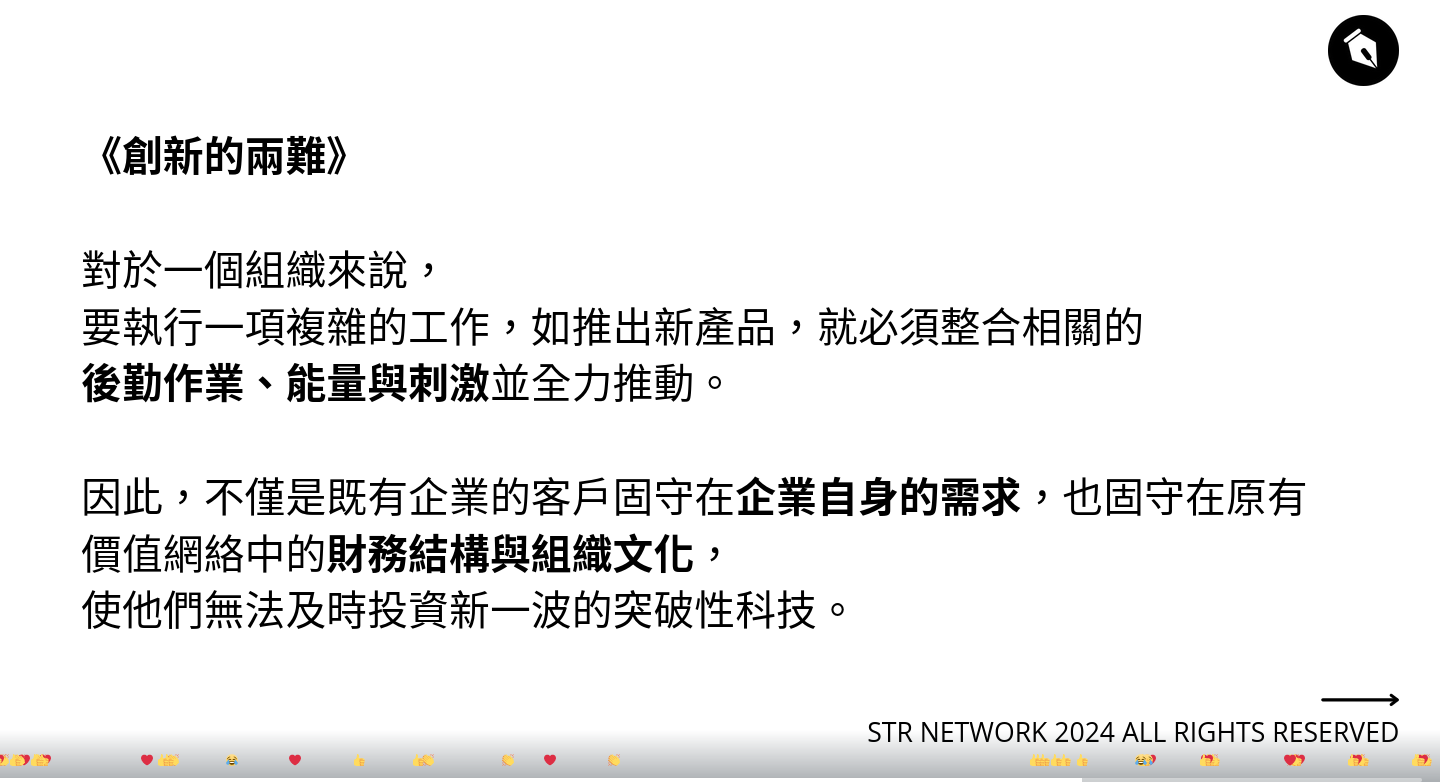
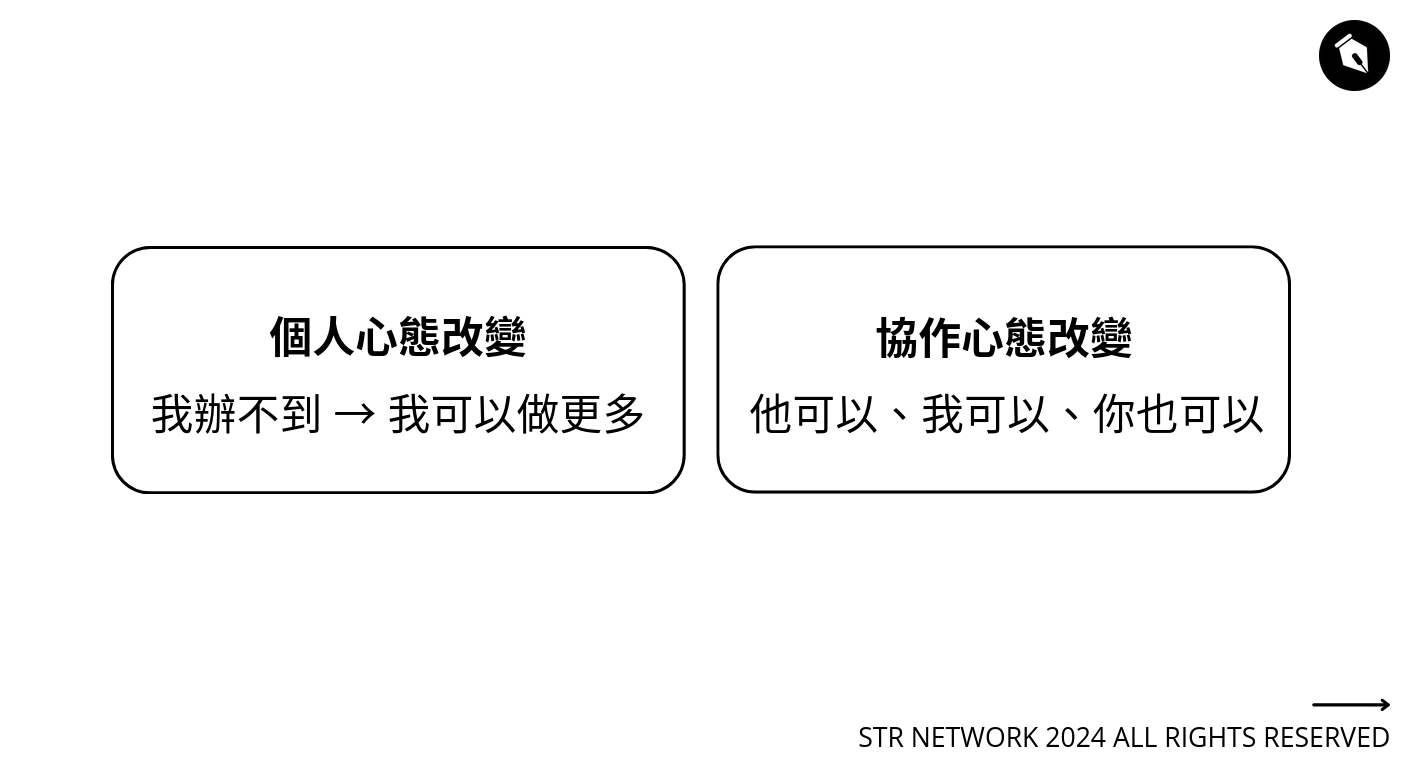
與 AI 共同打造一個有機的管理「系統」
Drafting and Crafting a “System” Together with Generative AI
Sunny, STR Network
很有啟發,重點不是技術,而是建立系統的過程跟思考。



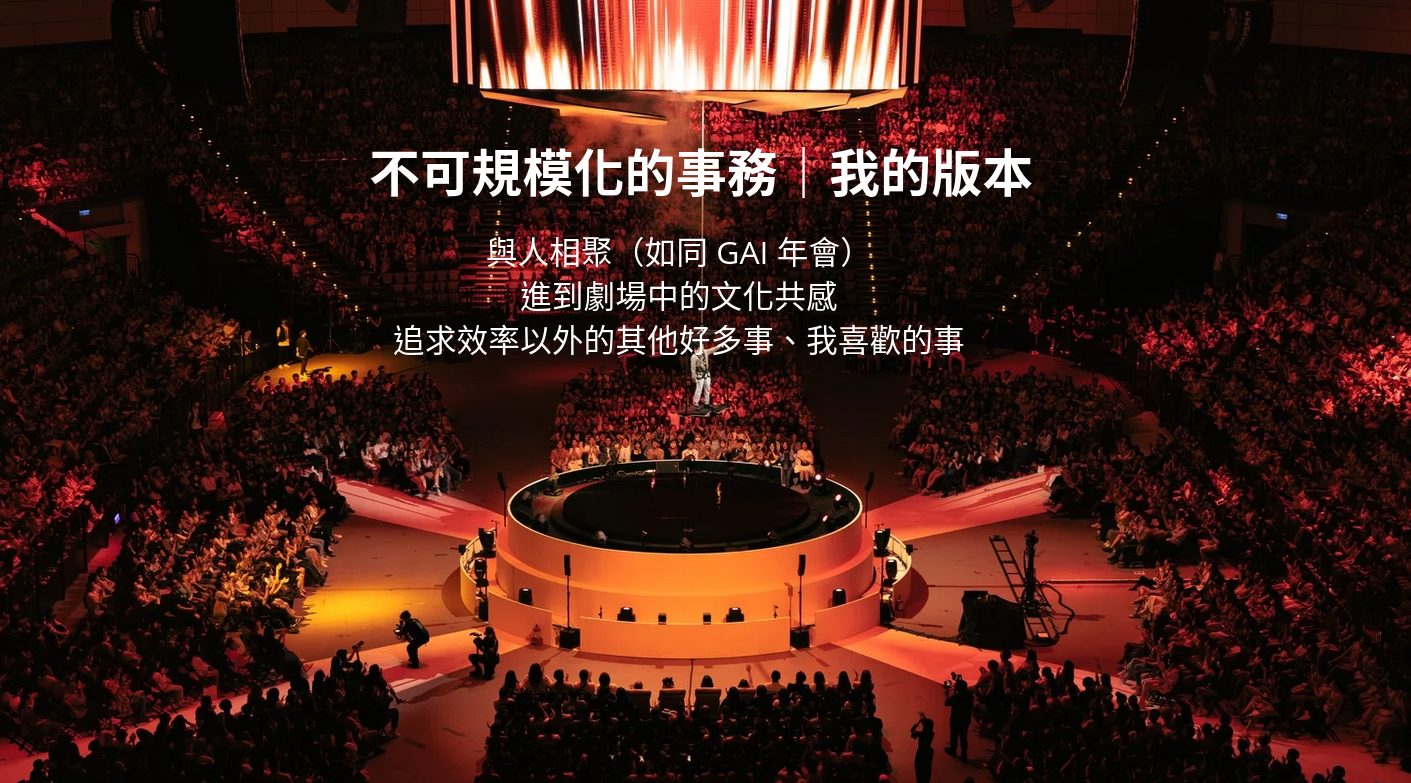
大哺乳類展3
https://mammals3.exhibit.jp/ (失效25.01.14)
拿到Excel資料是1個欄位,很多列(Row),要變成1列很多欄(Column)的形狀
先把Excel變成csv (編碼要特別選UTF-8)
然後整裡ChatGPT給我的答案,我只取我容易理解的。
用tr把換行改成逗號,再輸出成output.csv:
裡面還會有Windows的^M換行符號,再用tr去除一次:
tr真好用,懶人的sed。
Python 打包成Windows的exe檔遇到被當成病毒的問題
StackOverflow都是說自己build PyInstaller的bootloader可以解決,因此參考: Building the Bootloader — PyInstaller 6.3.0 documentation
Build PyInstaller bootloader
1. 準備build環境 (GCC...)
試了自己build MinGW,遇到zlib static找不到的問題。
發現這包(WinLibs - GCC+MinGW-w64 compiler for Windows)可以直接使用,方便很多。
(另外也許可以用MSYS2,目前還沒試過)
2. Build from PyInstaller source code
cd pyinstaller\bootloader 進入bootloader目錄
3. Start Build
4. Install
回到pyinstaller目錄,然後執行
失敗的話換
然後就可以執行pyinstaller指令了
測試結果
VirusTotal
用VirusTotal服務測試
原本預設(pip install)的Pyinstaller:
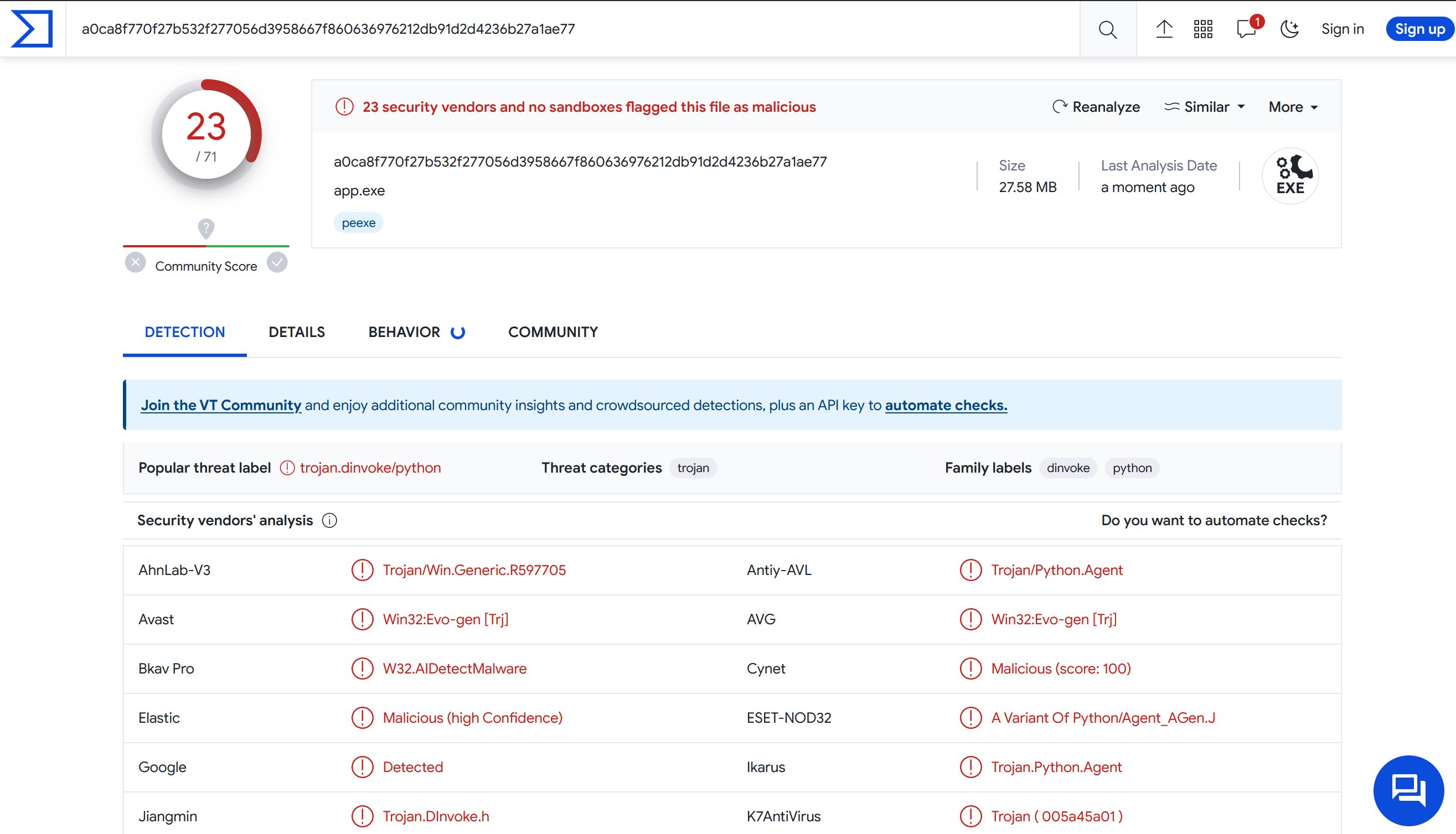
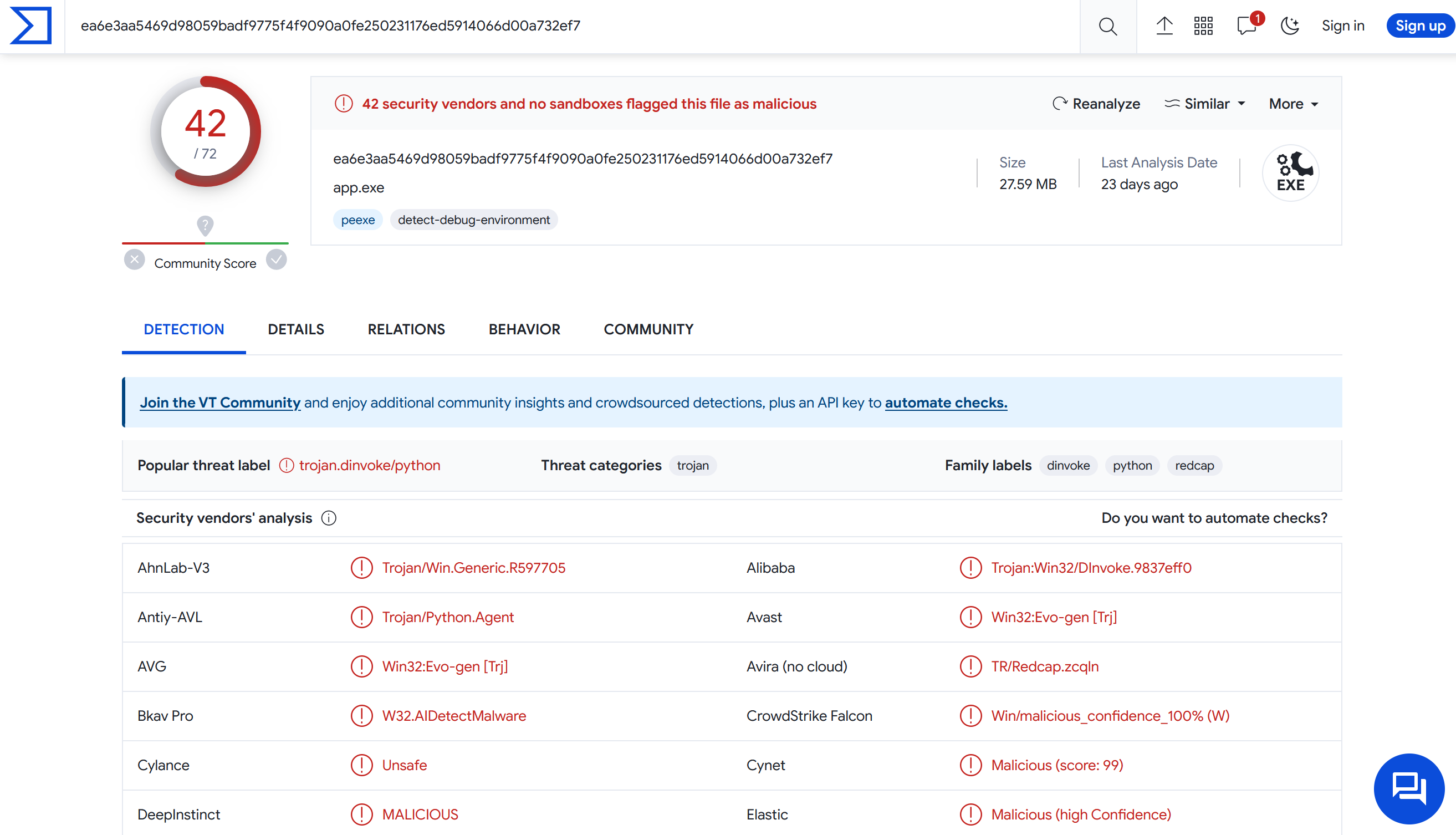
用另一套Nuitka (先轉成C++,功能強大),但是也會被誤判。
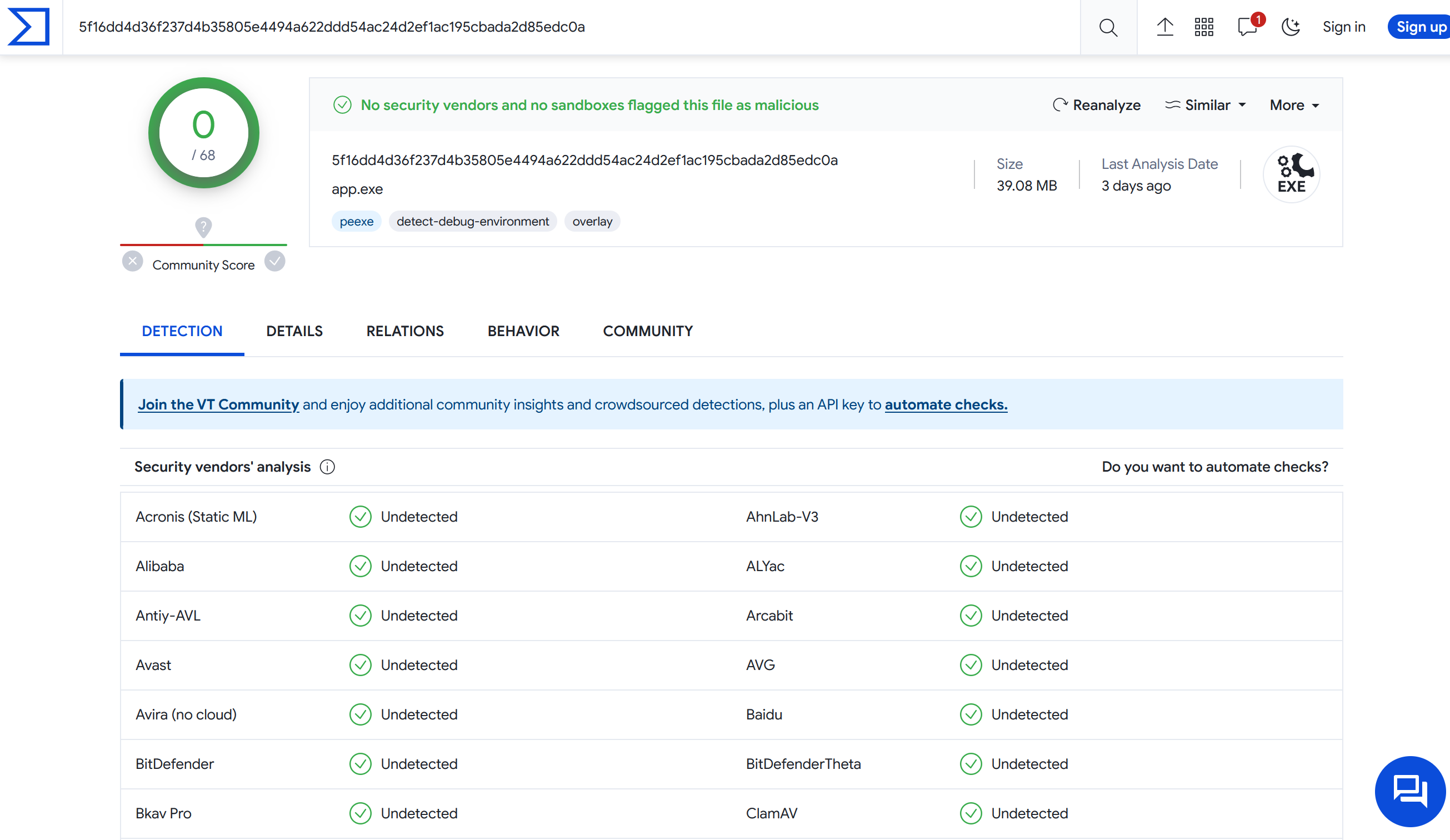
Custom build PyInstaller的bootloader看起來就好很多了,實際上還需要更多驗證。
白名單處理
有人佛心整理了各家防毒軟體的誤判回報區
Blog說明 How to stop your Python programs being seen as malware | by Mark Hank | Medium
PWA(Progress Web App)原來真的是App
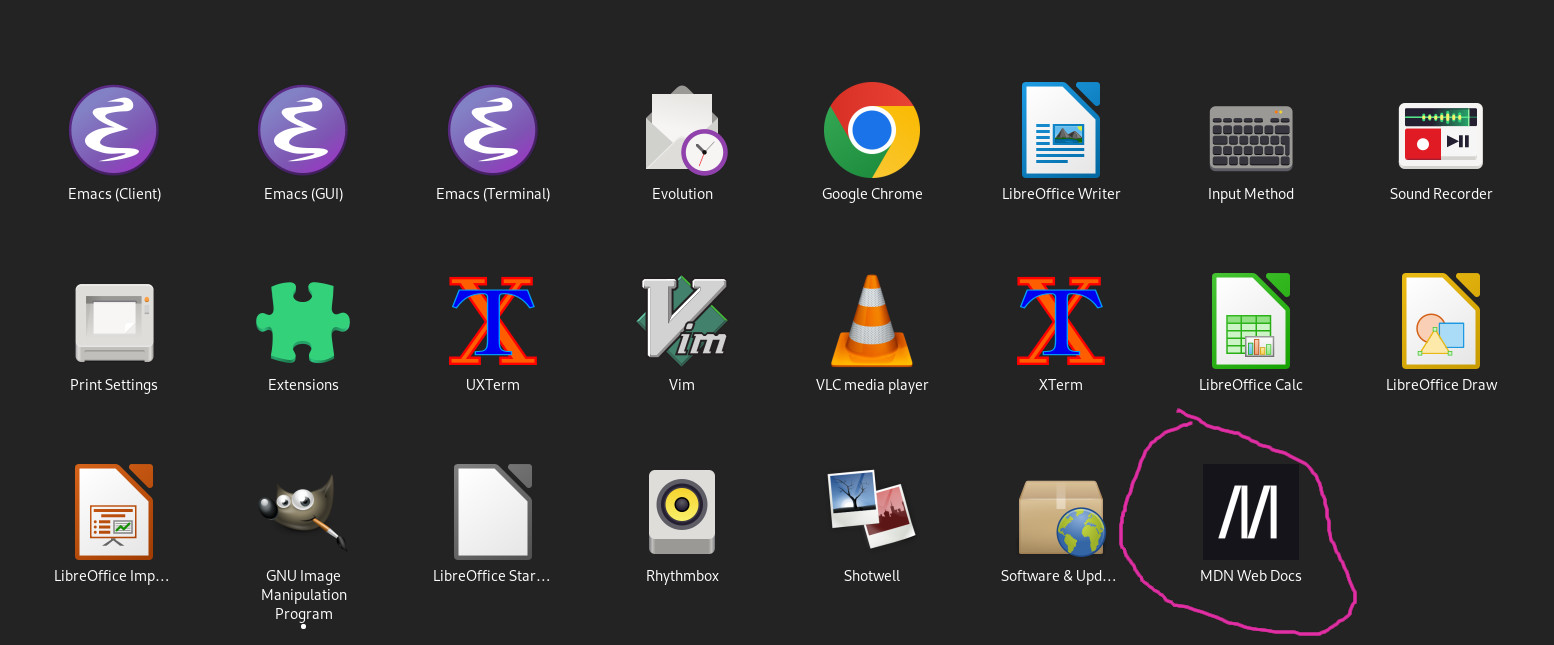
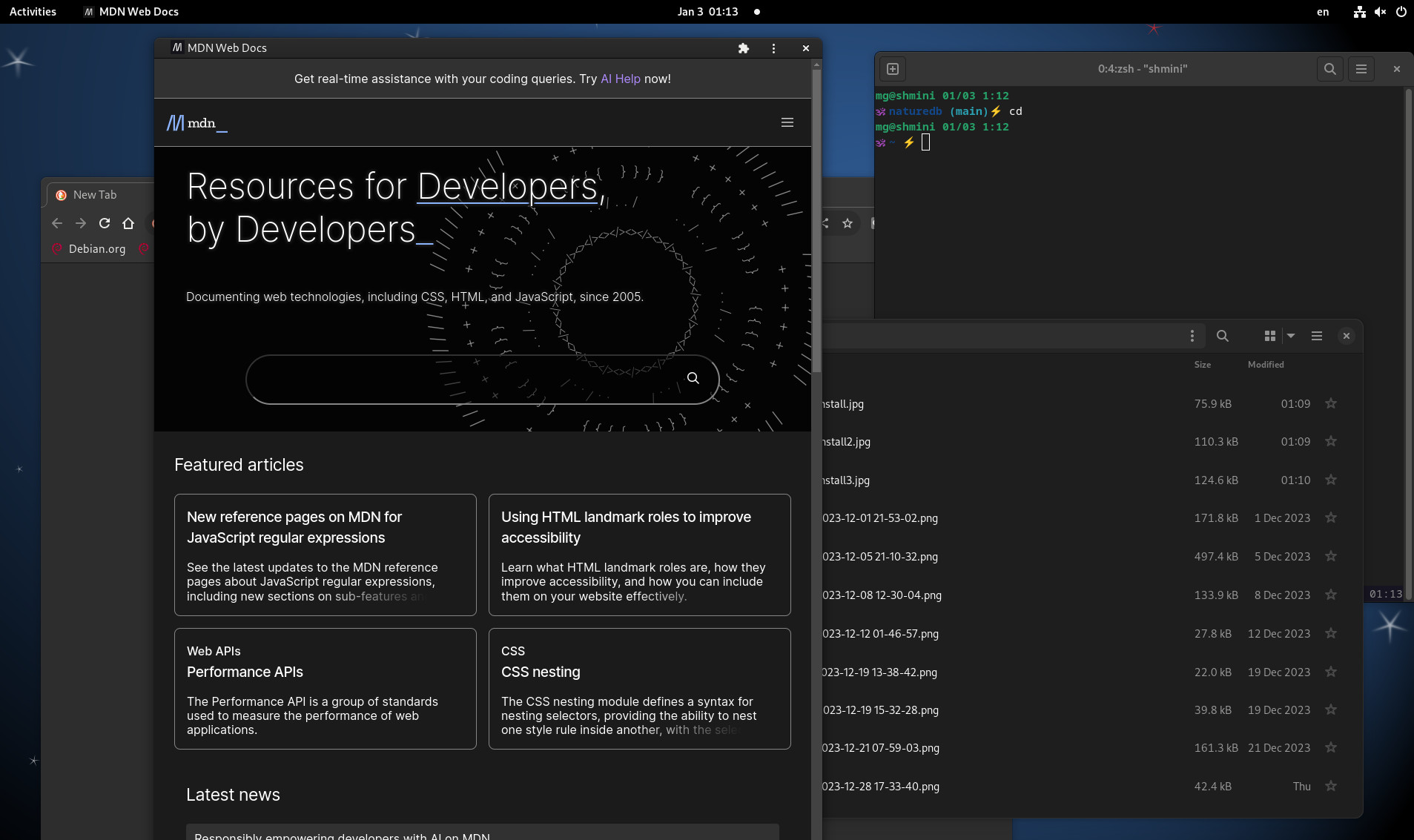
目前使用的Floorp瀏覽器更新,提到這次更新支援Windows的PWA(Progress Web App)跟SSB(Site-specific browser)。好奇去看了一下Floorp blog對PWA的介紹Floorp のプログレッシブウェブアプリの機能と仕様 | ABlog,內文用MDN這個開發網頁常需要查找資料的網站來當例子,原來PWA在瀏覽器上安裝後,在系統的應用程式圖示裡就真的會有一個新的Icon跑出來,執行的話就像是特別開一個網頁的應用程式。
引起我的興趣,我之前一直以為PWA跟RWD(Responsive Web Design)差不多,只是過幾年固定會出現的技術Buzz Word,原來他真的是接近原生App那樣的執行,操作界面在各種多到爆炸的前端工具/框架的網頁世界裡,開發起來真的是方便很多,還有service workers可以支援離線,雖然我覺得比起Native App還有很多先天無法克服的,但是已經是從網頁、網頁的擴充功能(extension)那邊跨出很大的一步了,想到一些之前開發桌機App考慮用到類似Electron的工具,現在知道了PWA,還有另一種不同的選擇了。
在Linux用Chromium安裝PWA
目前Floorp只支援Windows,試試看Linux(Debian 12 Bookworm)的Chromium,也是可以安裝。
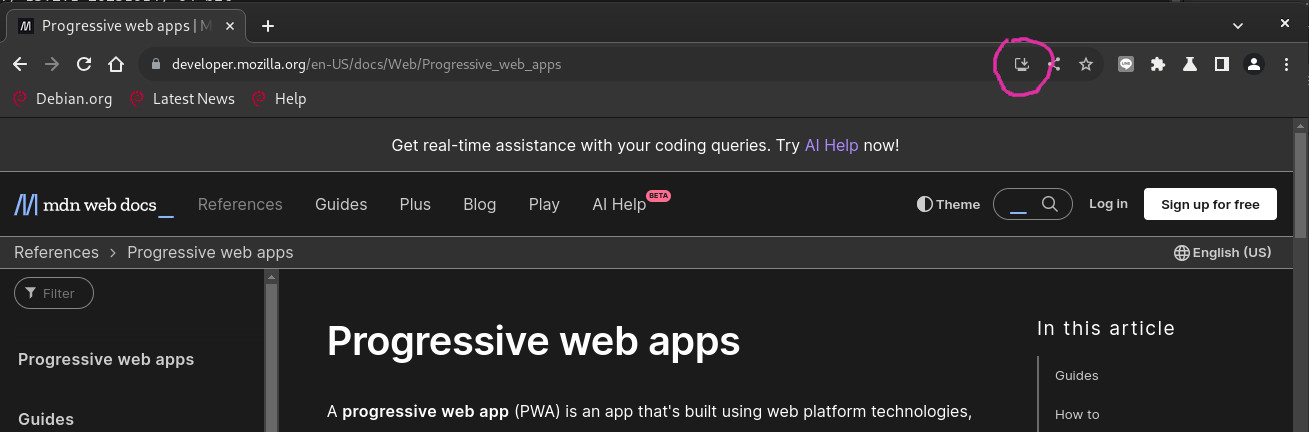
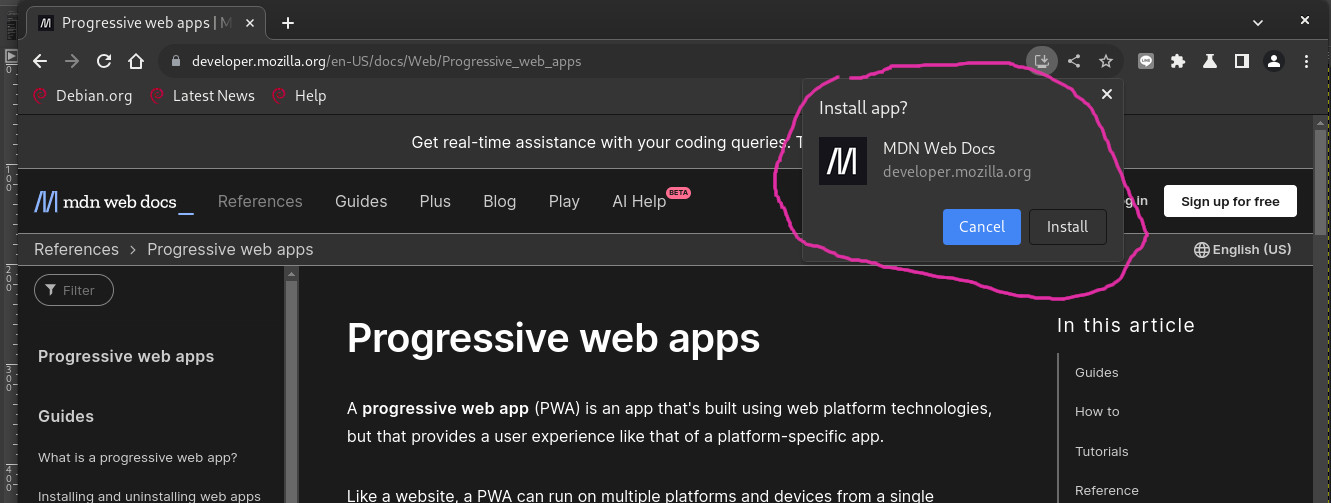
應用程式區有Icon了
執行起來長這樣
可以uninstall
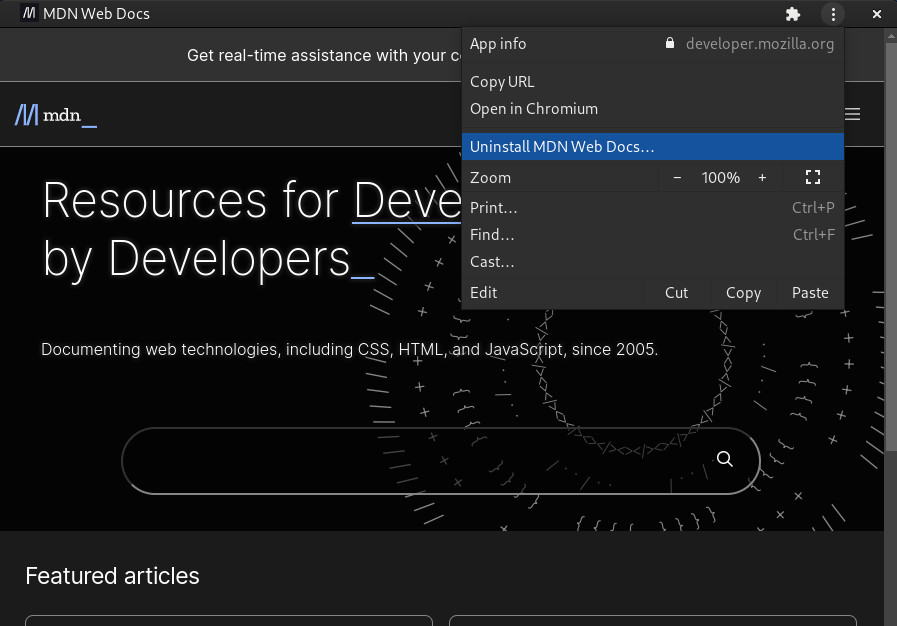
PWA的真實案例
除了上面提到的MDN,還有Spotify, Uber, Pinterest... 也都有做PWA。
About Images
Image Resolution
-
72 PPI 是 80年代 Mac 定義 (配合 Macintosh 和 ImageWriter 設備)
-
現在螢幕普遍 PPI 都比 72 PPI 高很多,電腦處理只看 width, height 不看 PPI (不同 PPI 相同 width, height, 看起來還是一樣)
-
只有列印 PPI 才有差別
RAW
有DNG, NEF等格式,python有好用的rawpy可以直接轉換成其他格式:
RAW to TIFF範例
import rawpy
import imageio

path = 'image.nef'
with rawpy.imread(path) as raw:
    rgb = raw.postprocess()
imageio.imsave('default.tiff', rgb)
postprocess的參數: Params class — rawpy 0.22.0 documentation
- use_camera_wb: default
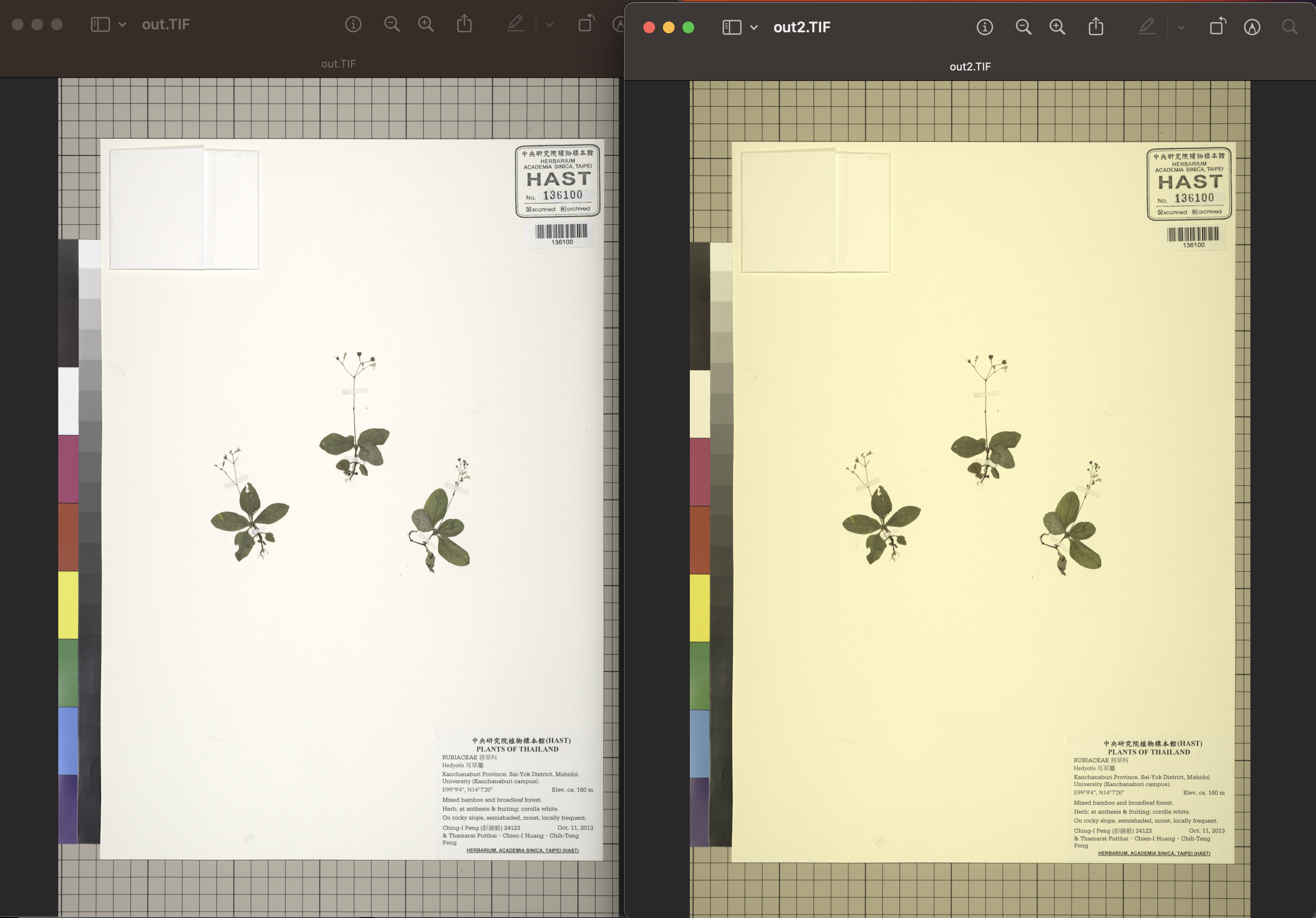
False。結果如下圖: 左邊是True, 右邊是False,不知道原理,但左邊看起來比較正確。 - output_bps: default
8。8 的話檔案是1百多MB,設定成16的話是2百多MB,我看不出差別。 - otuput_color:
rawpy.ColorSpace.ProPhoto。不懂,有空再來研究 ProPhoto RGB - 维基百科,自由的百科全书